How much does custom software cost in South Africa?
What drives the price of custom software, and how to keep it down.
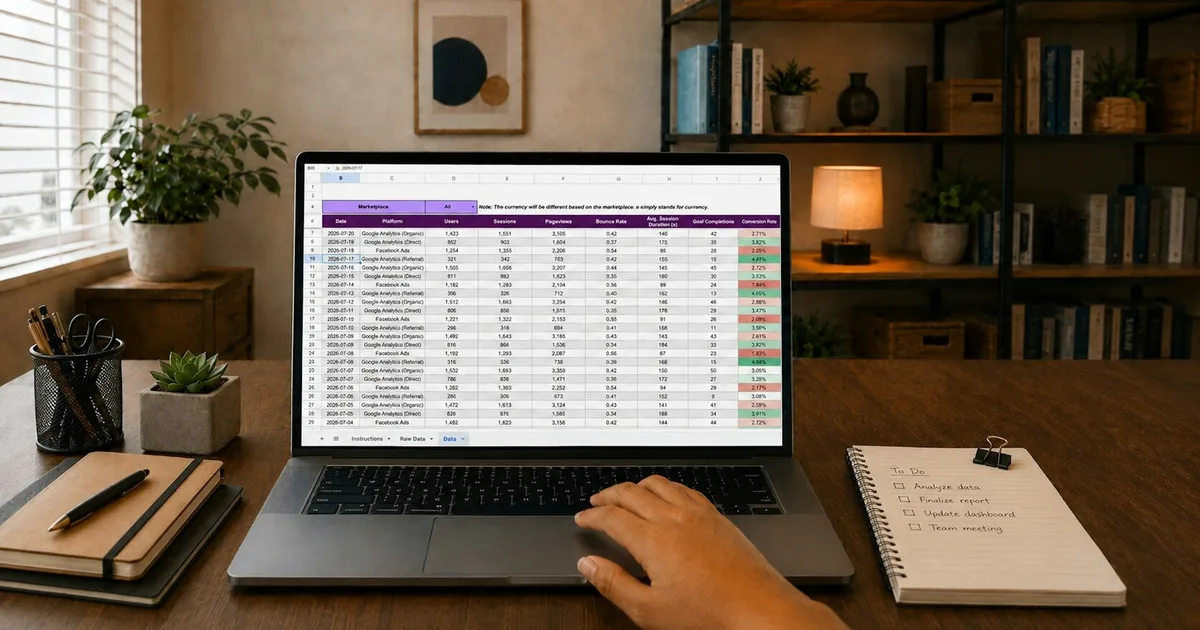
Excel is brilliant. Many of the systems we have built started life as somebody's spreadsheet, and that is a good thing: it means the business already worked out what it needs. But there comes a point where the spreadsheet starts costing more than it saves.
If three or more of these sound familiar, it is worth looking at a system.
Start with the spreadsheet itself. It is the best specification you have. We read the formulas, the tabs and the colour coding, because they show how the business really works.
Move the data across exactly. For a shipping intelligence company, every historic cargo moved from the spreadsheet into the new cargo tracker exactly as it was. For a national youth organisation, over 1,000 members and 96,000 records moved across from separate Excel registers.
Check the totals. For an engineering company tracking large project budgets, the new cost to completion portal was checked against their own workbook, to the cent, before anyone relied on it.
Keep Excel where it helps. Most systems we build export to Excel, and many have import wizards that load a spreadsheet as a draft to check before saving. People can keep using Excel for analysis without it being the system.
The cost depends on how much the spreadsheet does. A focused process can often be live in a few weeks. Because the spreadsheet already defines the rules, there is no long discovery phase. Read more about what custom software costs.
If you have a spreadsheet that has grown too big, send us a copy with the data removed or changed. We will show you what it could look like as a system.
Want to know what this would cost for your business?
Tell us what you need. The first consultation is free.

What drives the price of custom software, and how to keep it down.

Own it or rent it? How to compare the real cost over five years.